Shells & dialogs#
Floating shells live on their own layer above the tree and below popups (so
a dropdown list inside a dialog shows over it): dialogs and message boxes,
toasts, the status bar, the log console, and the image viewers.
GroupBox and SearchBox are pictured here too - they are simple composites
(a titled Panel and a TextField with magnifier/clear) that share the
family's capture.
Dialog and MessageBox#
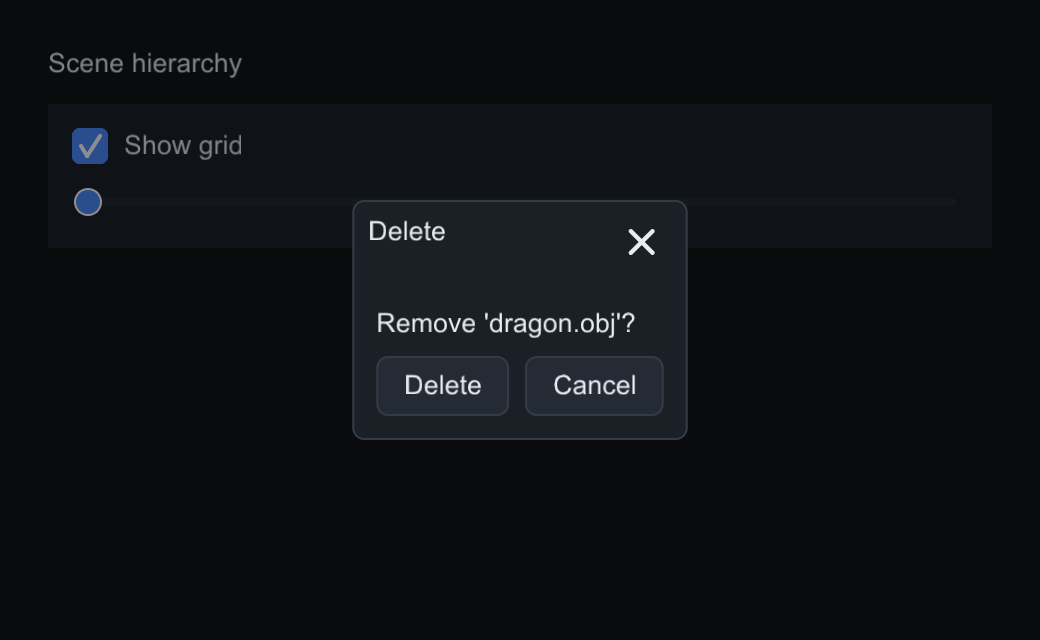
Dialog has a draggable title bar with a close button and a content()
column. MessageBox adds an action-button row. A modal dialog dims the
app and traps presses outside it. Escape or the X button closes.
| API | Signature |
|---|---|
set_title |
(std::string) |
set_modal |
(bool) |
set_position |
(Vec2) |
on_close |
(std::function<void()>) - once per close, however it closes (X, Escape, close_dialog), after the closing event |
add_button |
MessageBox - (label, fn) |
Toast#
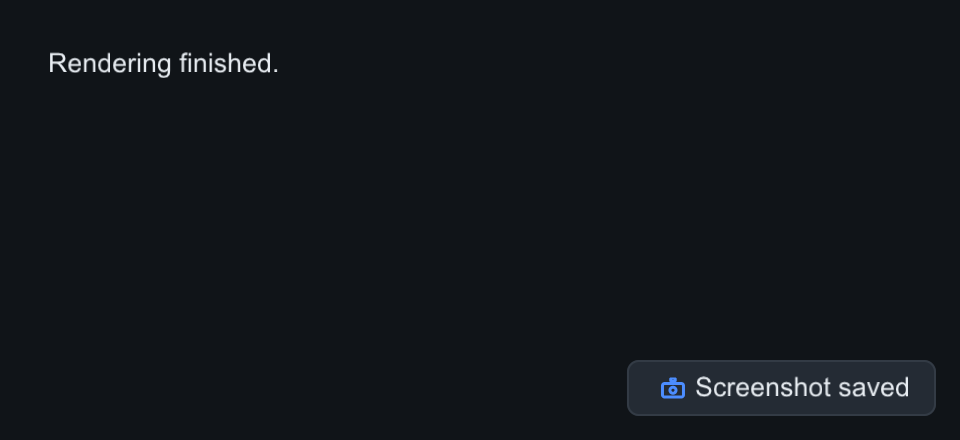
Auto-dismissing corner notices: ctx.push_toast(std::make_unique<Toast>("Saved"), 3.0)
- the second argument is the lifetime in seconds. set_icon(Icon) adds a
procedural icon. Toasts never take input: clicks pass through to whatever is
under them, and open menus/popups are unaffected. Several stack upward.
GroupBox#
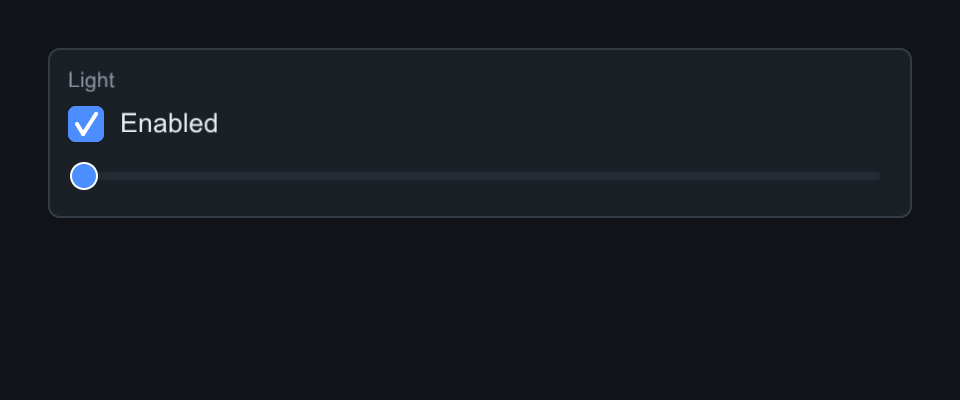
A titled panel - a Panel with a caption, for grouping related controls.
SearchBox#
The magnifier is decorative and not a Tab stop. If you give icon_button() an action, call set_focusable(true) on it.
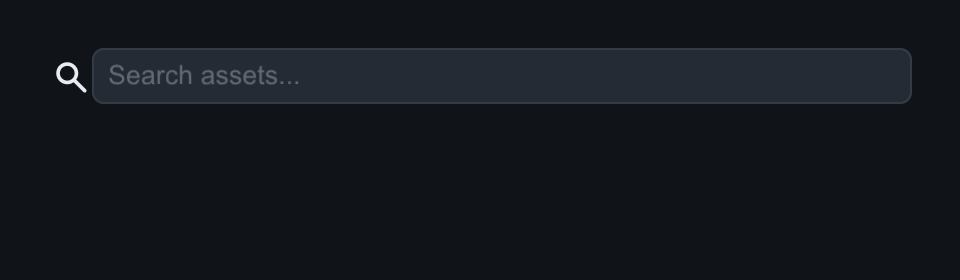
A TextField with a magnifier icon and a clear button. on_change fires on
every edit, on_submit on Enter.
LogView#
Scrollback: the wheel scrolls, and so do Up/Down (a line), PageUp/PageDown (a page), Home (the oldest line) and End (back to the newest) while the log is focused or hovered. At the newest line the view follows new entries; scrolled back, it holds its place. scrollback() / set_scrollback(lines).
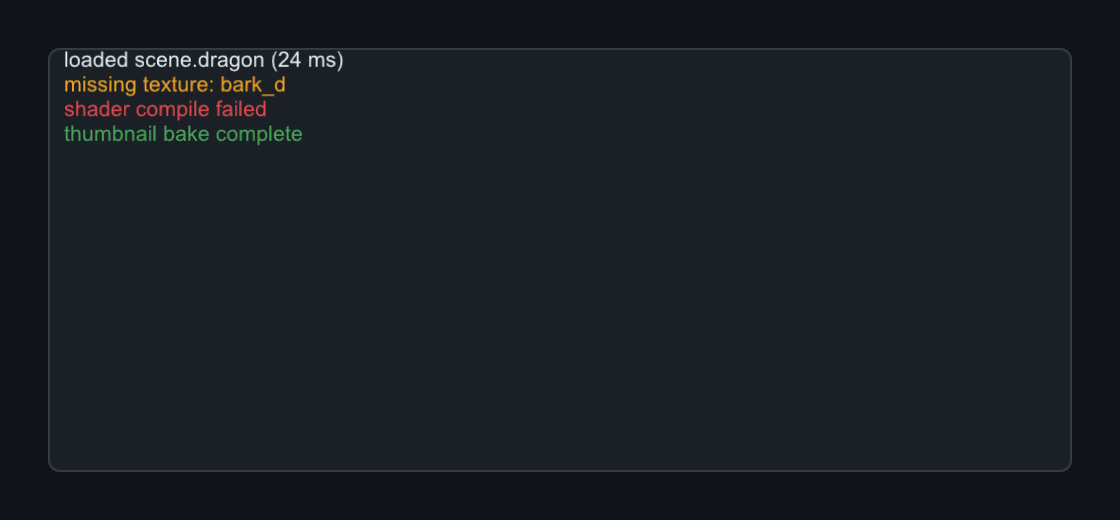
A severity-colored autoscrolling console - pair it with StatusBar for
feedback, or feed it event logs from demo panels (the showcase does exactly
this).
auto& log = top.add<slikui::LogView>();
log.log(slikui::LogView::Level::Info, "loaded scene.dragon (24 ms)");
log.log(slikui::LogView::Level::Warning, "missing texture: bark_d");
log.log(slikui::LogView::Level::Error, "shader compile failed");
log.log(slikui::LogView::Level::Success, "thumbnail bake complete");
StatusBar#
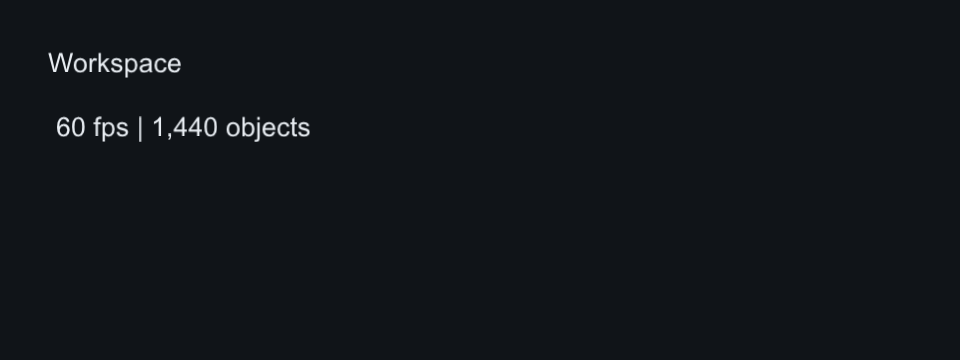
Status text with transient messages plus right-side widgets - a typical home
for Spinners or scale indicators.
FileBrowser#
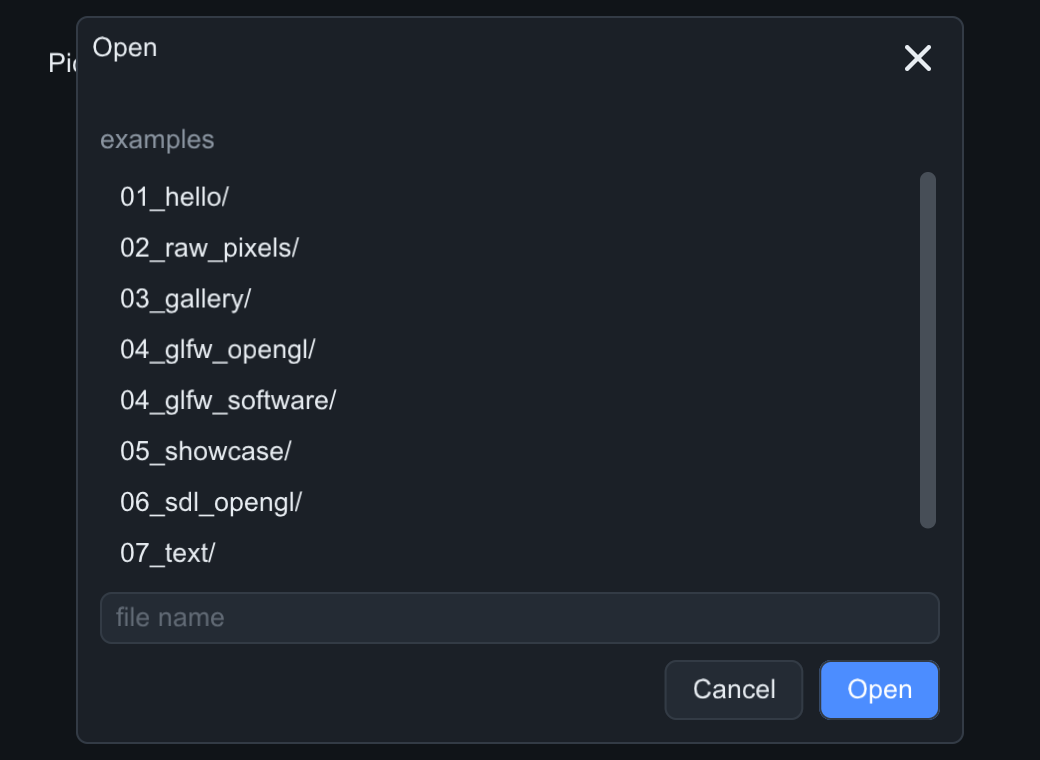
Lists real directories for Open/Save flows. set_path starts it somewhere;
on_pick(path) receives the result. Click a file to choose it; double-click
a file to pick it at once, or a folder to enter it (Enter in the name field
picks too). The list scrolls inside the dialog, which shrinks to fit the
window, so the buttons stay reachable in big folders.
Mode::Folder picks a directory instead. Only folders are listed, there is
no name field, and the button reads Choose. Double-clicking a folder still
enters it. Choose picks the selected folder, or the folder being shown when
nothing (or ..) is selected, so it always picks something.
| API | Signature |
|---|---|
set_path / path |
(std::string) / () -> std::string |
set_filters |
(std::vector<std::string>) - globs (*, ?, case-insensitive) a file must match one of; empty = all. Folders always show |
set_show_hidden |
(bool) - dotfiles are hidden by default |
selection |
() -> std::string - chosen file, "" if none; follows list().set_selected(i) too. Folder mode: the chosen folder (never empty) |
commit |
() -> bool - pick the selection, as the Open/Save/Choose button does |
mode |
() -> Mode - Open, Save or Folder |
on_pick |
(std::function<void(std::string)>) |
list / list_scroll / name_field / open_button |
the parts |
ImageView and CompareView#
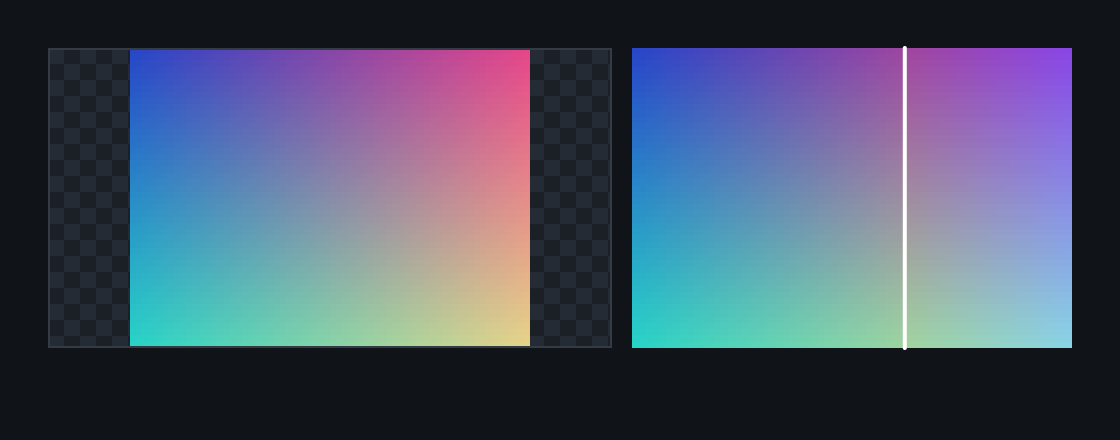
ImageView pans/zooms RGBA bitmaps over a checkerboard; CompareView splits
two images with a draggable divider (set_fraction). Both take pixels via
set_pixels / set_pixels_a / set_pixels_b.
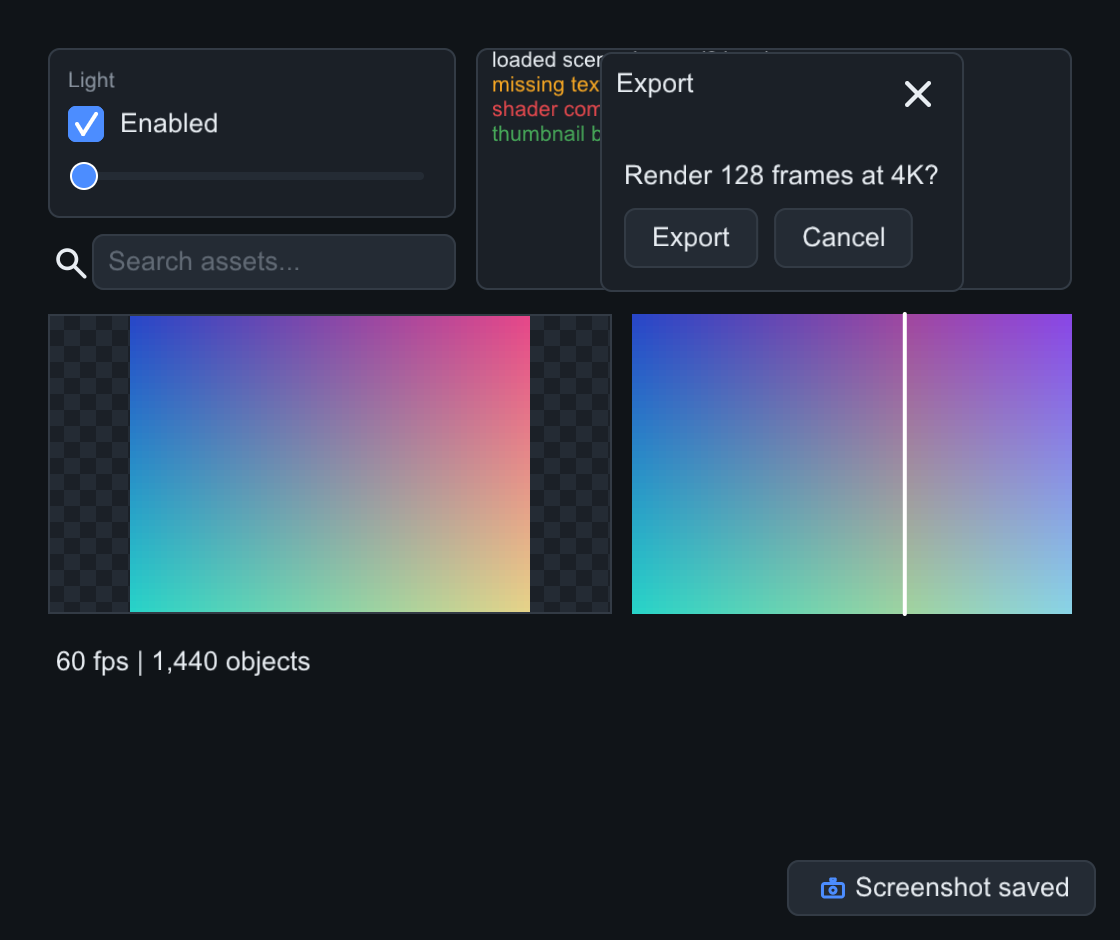
As pictured#
Every image on this site is real output from tools/components_capture.cpp
(gradient_rgba() there builds a small RGBA test bitmap). The capture opens
the MessageBox dialog and posts a toast, so both appear over the panel:
auto grad = gradient_rgba(); // helper in the capture tool
std::vector<std::uint8_t> grad2 = grad;
for (std::size_t i = 0; i < grad2.size(); i += 4)
std::swap(grad2[i], grad2[i + 2]); // R/B swapped for image B
auto& top = root.add<slikui::Row>();
top.set_gap(10);
auto& left = top.add<slikui::Column>();
left.set_gap(8);
auto& gb = left.add<slikui::GroupBox>("Light");
gb.add<slikui::Checkbox>("Enabled", true);
gb.add<slikui::Slider>(0.f, 1.f);
left.add<slikui::SearchBox>().set_placeholder("Search assets...");
auto& log = top.add<slikui::LogView>();
log.log(slikui::LogView::Level::Info, "loaded scene.dragon (24 ms)");
log.log(slikui::LogView::Level::Warning, "missing texture: bark_d");
log.log(slikui::LogView::Level::Error, "shader compile failed");
log.log(slikui::LogView::Level::Success, "thumbnail bake complete");
auto mb = std::make_unique<slikui::MessageBox>("Export", "Render 128 frames at 4K?");
mb->add_button("Export", nullptr);
mb->add_button("Cancel", nullptr);
mb->set_position({300, 26});
ctx.open_dialog(std::move(mb));
auto toast = std::make_unique<slikui::Toast>("Screenshot saved");
toast->set_icon(slikui::Icon::Camera);
ctx.push_toast(std::move(toast), 60.0);
auto& views = root.add<slikui::Row>();
views.set_gap(10);
views.add<slikui::ImageView>().set_pixels(64, 48, grad.data());
auto& cv = views.add<slikui::CompareView>();
cv.set_pixels_a(64, 48, grad.data());
cv.set_pixels_b(64, 48, grad2.data());
cv.set_fraction(.62f);
root.add<slikui::StatusBar>().set_text("60 fps | 1,440 objects");
grad, grad_rb = ... # small RGBA gradients - see slikui/examples/gallery.py
# (python -m slikui.examples.gallery)
top = root.add(slikui.Row, gap=10)
left = top.add(slikui.Column, gap=8)
gb = left.add(slikui.GroupBox, "Light")
gb.add(slikui.Checkbox, "Enabled", True)
gb.add(slikui.Slider, 0, 1)
left.add(slikui.SearchBox, placeholder="Search assets...")
log = top.add(slikui.LogView)
log.log(slikui.LogView.Level.Info, "loaded scene.dragon (24 ms)")
log.log(slikui.LogView.Level.Warning, "missing texture: bark_d")
log.log(slikui.LogView.Level.Error, "shader compile failed")
log.log(slikui.LogView.Level.Success, "thumbnail bake complete")
mb = slikui.MessageBox("Export", "Render 128 frames at 4K?")
mb.add_button("Export", lambda: None)
mb.add_button("Cancel", lambda: None)
mb.set_position(slikui.Vec2(300, 26))
ui.ctx.open_dialog(mb)
ui.ctx.push_toast("Screenshot saved", 60.0) # icon: Toast.set_icon in C++
views = root.add(slikui.Row, gap=10)
views.add(slikui.ImageView).set_pixels(64, 48, grad)
cv = views.add(slikui.CompareView)
cv.set_pixels_a(64, 48, grad)
cv.set_pixels_b(64, 48, grad_rb)
cv.set_fraction(0.62)
root.add(slikui.StatusBar).set_text("60 fps | 1,440 objects")
Tip
Widgets can request cursor shapes via set_cursor - hosts map them to
system cursors (GlfwWindow::attach does this). See
Input & events.